
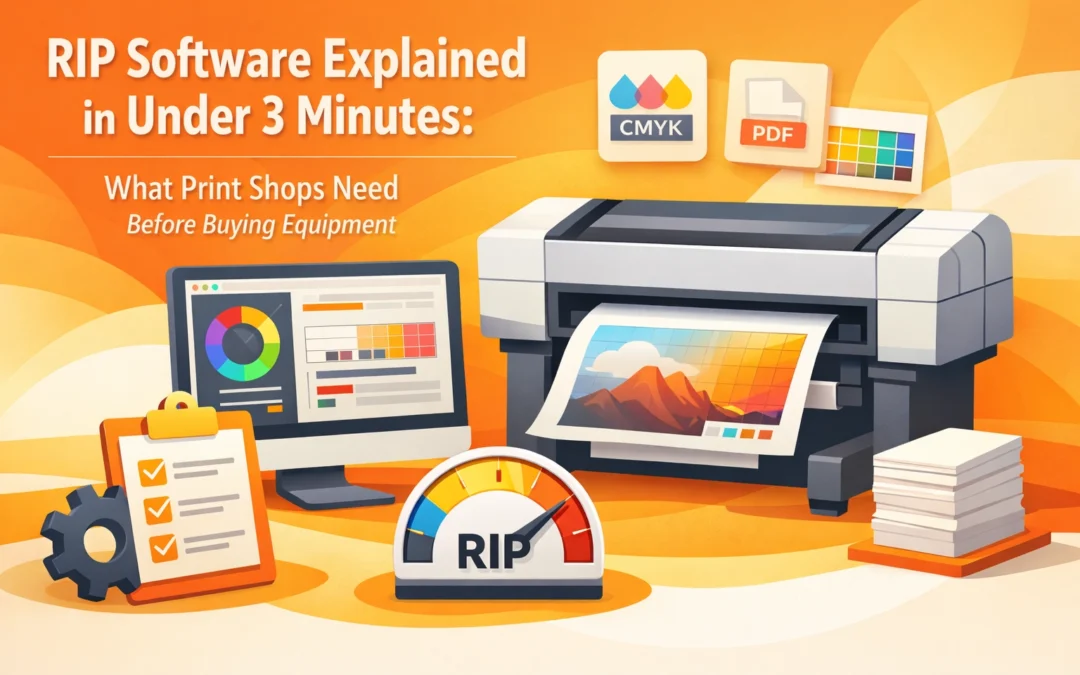
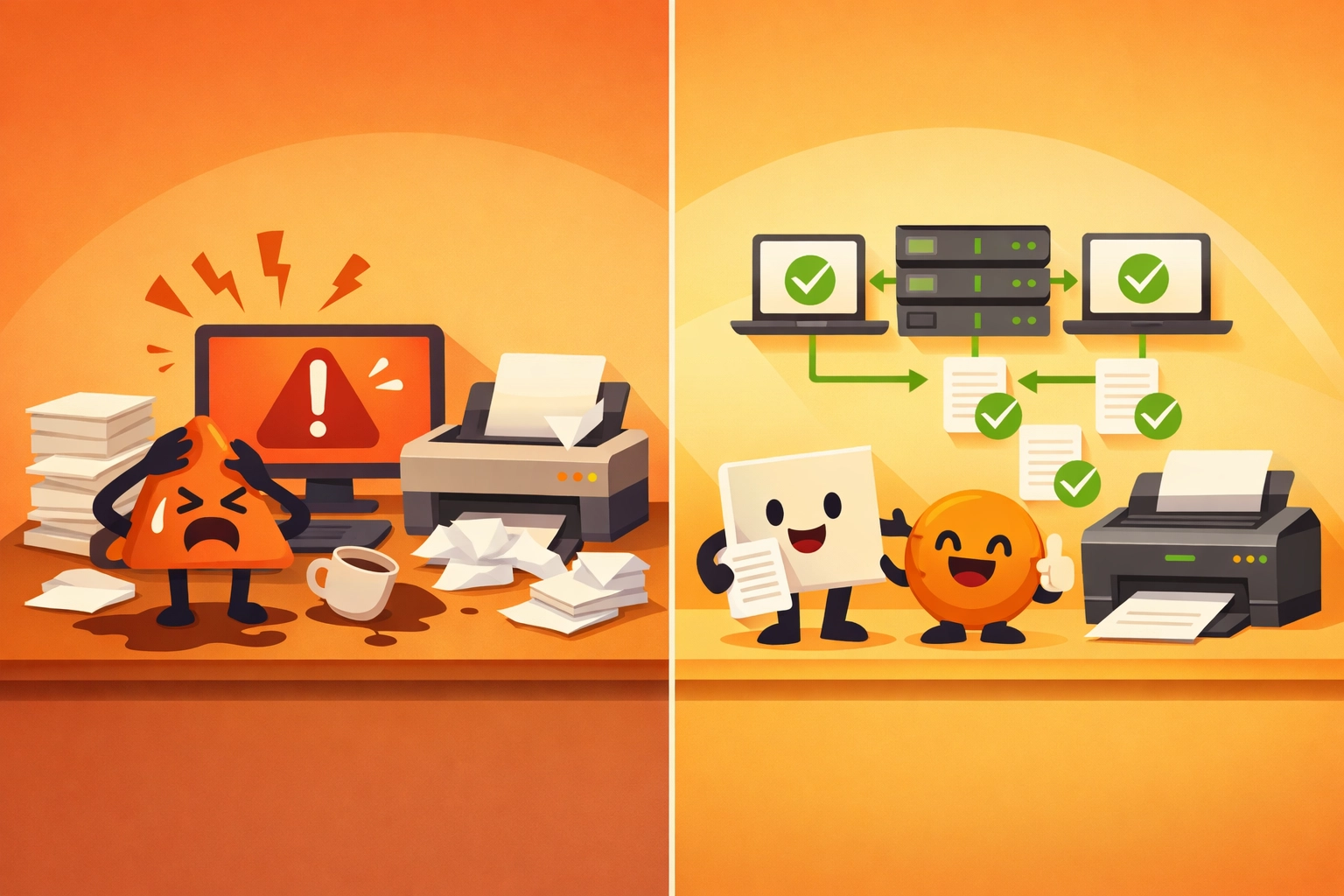
You just dropped $15,000 on a new DTG printer. The colors look washed out. Your files take 20 minutes to process. Every third print fails. The problem? You skipped the RIP software conversation.
RIP (Raster Image Processor) software is not optional for professional print operations. It sits between your design files and your printer, translating vectors and text into the raster images your equipment actually outputs. Without it, you are stuck with basic printer drivers that cannot handle complex color management, material variations, or high-volume workflows.
This guide covers what RIP software does, why it matters before you buy equipment, and which features separate production tools from expensive paperweights.
What RIP Software Actually Does
Standard printer drivers were built for office documents. RIP software was built for production environments. The difference shows up immediately in three areas: color accuracy, file handling, and workflow optimization.
RIP software interprets PostScript, PDF, and native design files, then converts them into pixel grids optimized for your specific printer model and material substrate. It accounts for ink characteristics, dot gain, substrate absorption rates, and environmental conditions. A basic printer driver cannot make these adjustments.
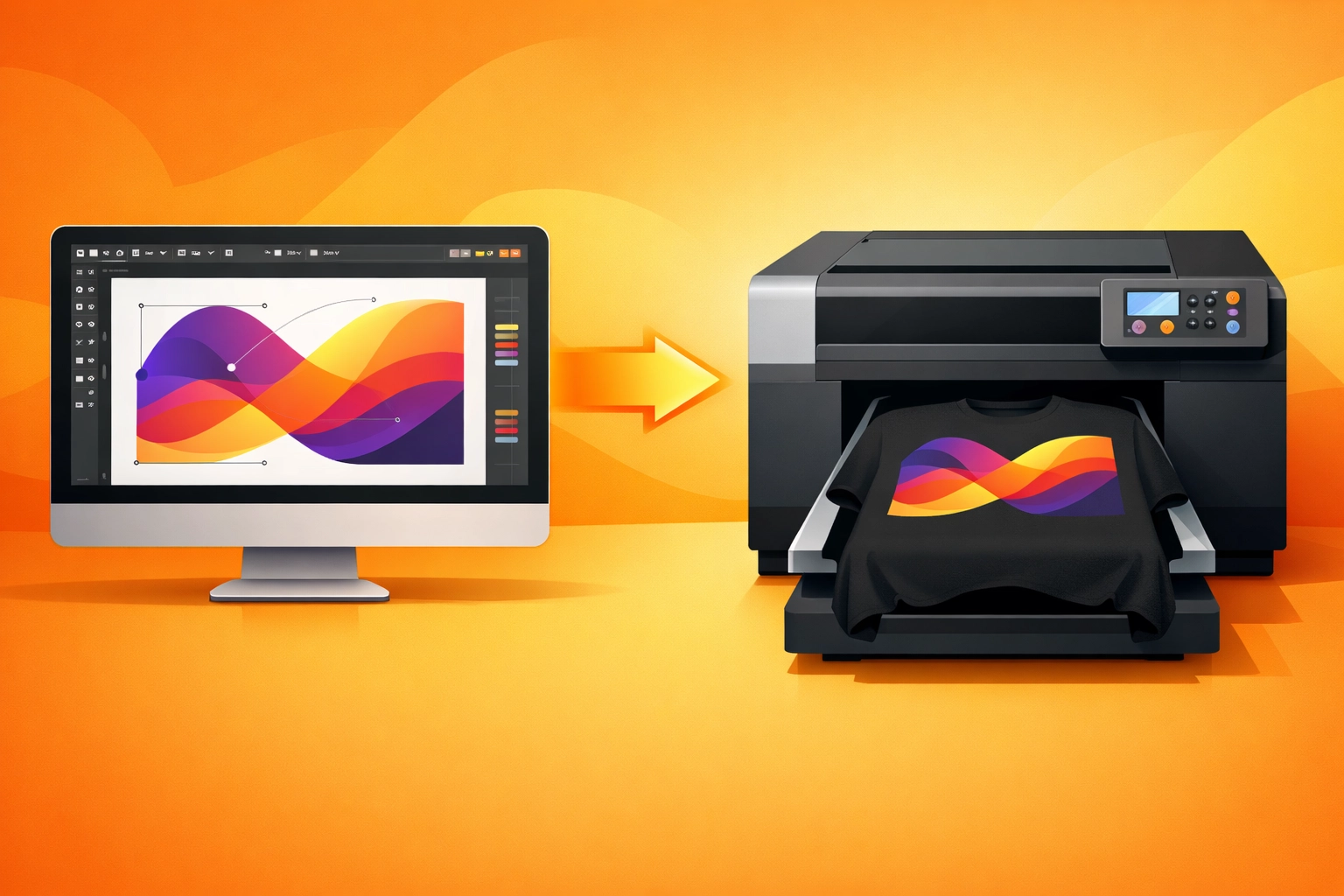
Color management happens at the RIP level through ICC profiles. These profiles define how your printer reproduces colors on specific materials. Cotton shirts absorb ink differently than polyester. Glossy photo paper behaves nothing like canvas. RIP software manages these variations so your reds stay red across substrates.
The software also controls resolution independently from your source files. You can send a 300 DPI design file and have the RIP output it at 1440 DPI based on your printer's capabilities. This prevents quality loss during processing and ensures sharp detail on every print.
Why Print Shops Need RIP Before Equipment
Most shops approach equipment purchases backward. They buy a DTG printer, sublimation system, or wide-format machine, then discover their workflow cannot support production volume. The printer sits idle while files process. Jobs fail because the driver cannot handle transparency. Color matching becomes guesswork.
RIP software determines what equipment you can actually run efficiently. A $3,000 printer with robust RIP software will outperform a $10,000 machine paired with basic drivers. The software unlocks the hardware's capabilities rather than limiting them.
Production capacity scales with your RIP's job management features. Batch processing lets you queue 50 jobs overnight and walk into finished work the next morning. Job nesting reduces material waste by arranging multiple designs on a single sheet. Ink usage estimates let you calculate true job costs before printing. These features do not exist in standard printer drivers.

Equipment compatibility matters before purchase, not after. Some RIP packages work exclusively with specific printer brands. Others support multiple manufacturers but require different license tiers. If you plan to run DTG and DTF equipment simultaneously, verify your RIP can manage both before buying either machine.
Critical Features to Evaluate
Not all RIP software handles production demands equally. These features separate tools built for volume from consumer-grade packages dressed up with marketing copy.
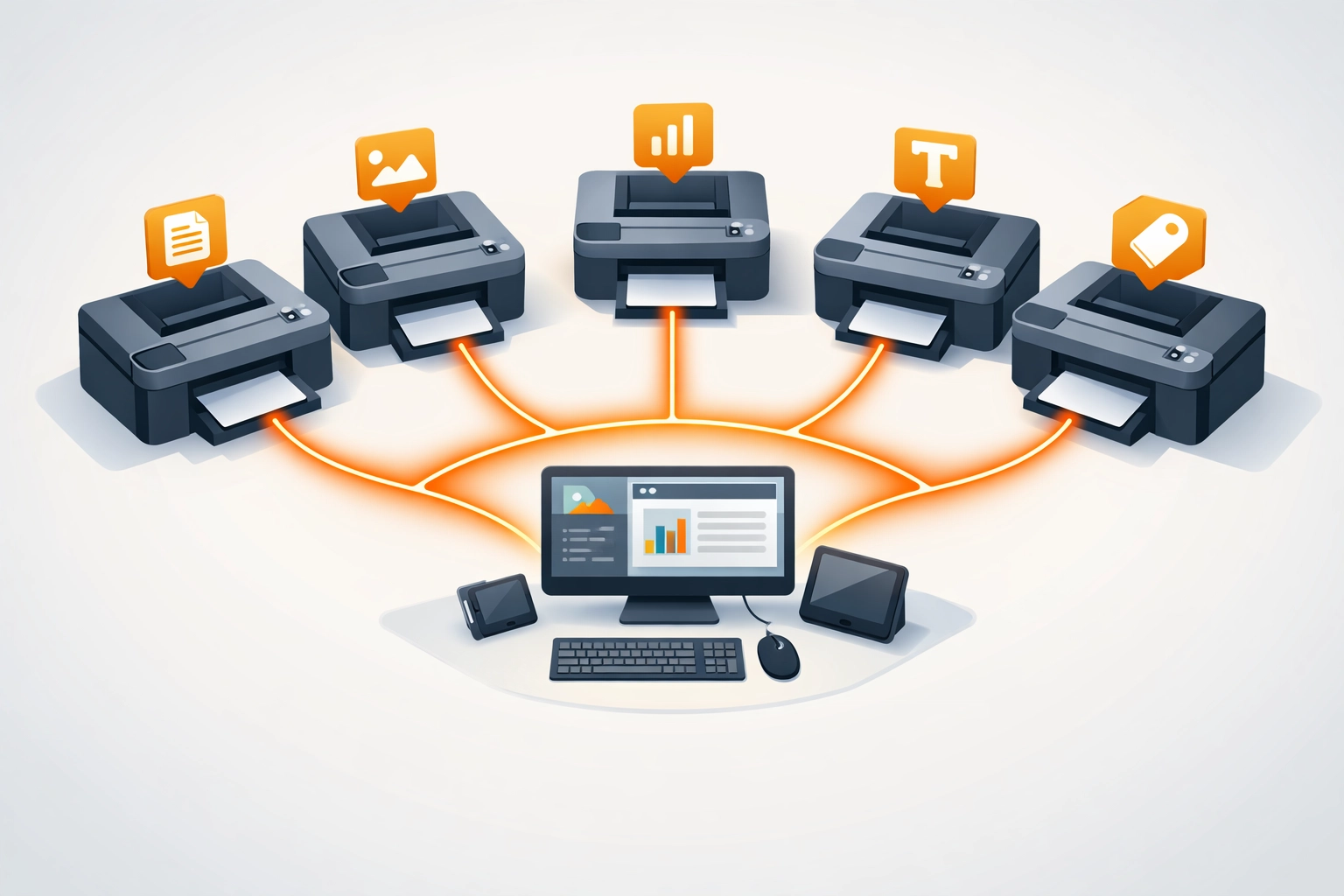
Multi-printer support determines whether you can scale operations. If your RIP only controls one printer at a time, you will need multiple computers and separate queues as you grow. Production-grade solutions manage multiple printers from a single workstation with unified job tracking.
Color management depth affects every print you produce. ICC profile support is baseline. Look for spectrophotometer integration, custom linearization tools, and spot color libraries. The ability to create and save custom profiles for specific material-ink combinations matters more than pre-loaded profile libraries.
Advanced ink control becomes critical with specialty equipment. White ink underlays for dark substrates, varnish layers for dimensional effects, and CMYK + white channel separation require RIP-level control. Standard drivers cannot manage these layers independently.
Job handling capabilities directly impact labor costs. Reordering queued jobs, pausing and resuming prints without data loss, and automatic file error checking prevent wasted time and materials. Hot folder automation removes manual job submission entirely.
Integration options determine workflow efficiency. Standalone RIP software requires exporting files from design applications. Integrated solutions work as plugins within Adobe Illustrator or CorelDRAW, eliminating export steps. Neither approach is universally better. The right choice depends on your current workflow and staff technical comfort.
Types of RIP Software
RIP packages fall into three categories based on price point and capabilities. Understanding these tiers prevents overspending on unused features or underbuying for production needs.
Entry-level RIPs ($200 to $800) handle basic color management and single-printer control. They work well for shops producing under 50 jobs daily with limited material variety. Most include standard ICC profiles but lack advanced customization. These packages often tie to specific printer brands as bundled software.
Mid-tier production RIPs ($800 to $3,000) add multi-printer support, custom profiling tools, and workflow automation. They handle complex files reliably and include job management features essential for 100+ daily prints. This tier suits most growing print operations.
Enterprise RIPs ($3,000 to $15,000+) provide centralized control over multiple locations, advanced analytics, and specialized modules for specific processes like textile printing or wide-format output. These systems justify their cost in high-volume operations where downtime and waste directly impact profitability.
Integration and Workflow Considerations
RIP software effectiveness depends on how it fits your existing infrastructure. The most powerful package becomes useless if your team cannot operate it efficiently.
File preparation requirements vary significantly between RIP solutions. Some accept native AI or PSD files directly. Others require PDF conversion with specific settings. This difference affects design staff workflow and error rates. Test your typical files through any RIP before purchasing.
Network architecture matters for multi-user environments. Server-based RIPs let multiple designers submit jobs to shared printer queues. Workstation-based solutions tie printing to specific computers. Consider your facility layout and staff organization when evaluating architecture options.
Operating system compatibility eliminates some options immediately. Most professional RIP packages run on Windows. Mac support exists but often lacks feature parity. Linux options serve niche applications. Verify compatibility before shortlisting solutions.
Training requirements impact implementation costs beyond software price. Complex RIPs with extensive features require significant staff training. Simpler packages reduce learning curves but may limit production capabilities. Factor training time into your decision timeline.
Cost vs. Value Analysis
RIP software pricing models include perpetual licenses, annual subscriptions, and per-printer fees. Understanding total cost of ownership over three years provides clearer value comparison than initial purchase price.
Perpetual licenses carry higher upfront costs but lower long-term expenses if you maintain equipment beyond three years. Annual subscriptions spread costs and include updates but accumulate higher totals over time. Per-printer licensing scales with growth but can become expensive in multi-machine operations.
Hidden costs appear in required hardware upgrades, additional ICC profile purchases, and support contract renewals. Budget for these expenses during evaluation. A $1,000 RIP requiring $300 annual support plus $200 in profiles costs more than a $1,800 solution with lifetime updates and included profile libraries.
Return on investment shows up in reduced waste, faster turnarounds, and expanded capabilities. A RIP that reduces material waste by 15% pays for itself quickly in high-volume operations. Calculate your current waste rates and reprint frequency to estimate potential savings.
Making the Purchase Decision
Evaluate RIP software through actual production scenarios, not feature checklists. Request trial versions and test your most complex files. Challenge the software with rush jobs, difficult color matches, and specialty materials you regularly encounter.
Vendor support quality matters as much as software features. Production environments cannot afford extended downtime waiting for technical assistance. Verify support hours, response times, and whether assistance includes remote troubleshooting or just email exchanges.
Your RIP software decision impacts every print you produce for years. It determines equipment compatibility, production capacity, and quality consistency. Treat it as infrastructure investment, not peripheral software. The right choice transforms printing equipment from expensive hardware into profitable production assets.
Works Cited
"How RIP Software Works." Wide-Format Impressions, 2024.
"Selecting RIP Software for Digital Printing." SGIA Journal, vol. 38, no. 2, 2023, pp. 45-52.
"Understanding Raster Image Processors in Production Environments." Digital Output Magazine, 2024.
"RIP Software: Essential Features for Print Shops." Print Professional, vol. 15, no. 4, 2023, pp. 28-35.
"Color Management Through RIP Software Systems." Printing United Alliance, 2024.
Recent Comments