
Small business branding demands consistency, creativity, and speed. Yet many designers and business owners find themselves buried in inefficient processes that drain time and resources. The difference between a thriving design operation and a struggling one often comes down to workflow optimization. Understanding how to analyze and refine your graphic design workflows can transform how you approach branding projects, whether you are a freelance designer, an in-house creative, or a small business owner managing your own visual identity.
This guide examines practical strategies for mapping, analyzing, and optimizing design workflows specifically tailored to small business branding needs.
Why Workflow Analysis Matters for Small Business Branding
Branding projects for small businesses typically involve multiple deliverables: logos, business cards, social media assets, marketing collateral, and signage. Each piece must maintain visual consistency while meeting tight deadlines and budget constraints. Without a structured workflow, designers risk inconsistent output, missed deadlines, and client dissatisfaction.
According to the American Institute of Graphic Arts (AIGA), professional design practice requires systematic approaches that balance creative excellence with operational efficiency. A well-documented workflow serves as the foundation for scalable, repeatable success. When your process is clear and optimized, you can handle growing workloads without sacrificing quality or burning out your team.
Mapping Your Current Design Process
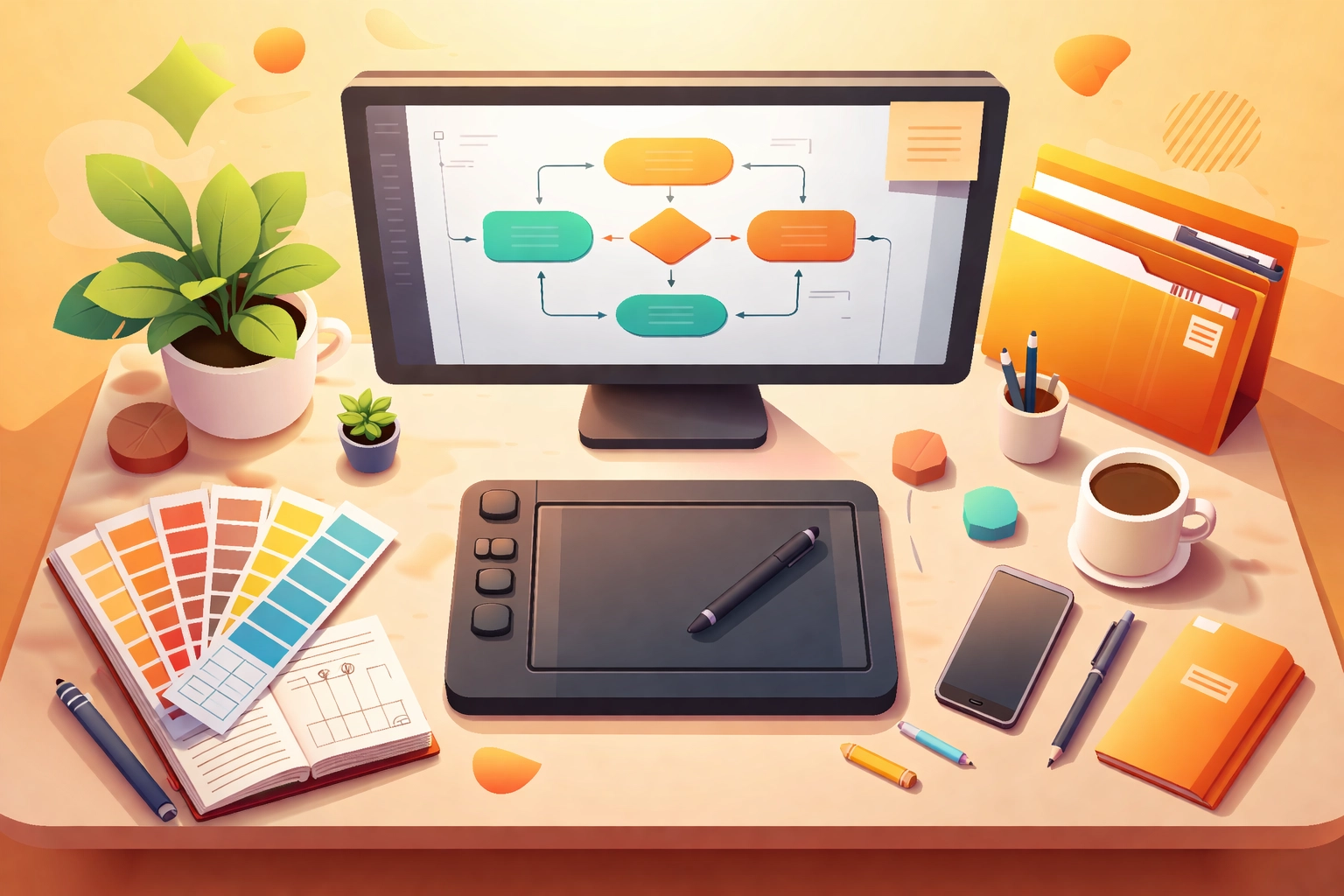
Before implementing changes, you need to understand your existing workflow. Workflow mapping involves documenting how your design process currently operates, typically represented as a flowchart or process diagram. This exercise reveals the actual sequence of tasks, decision points, and handoffs that occur during a project.
Start by interviewing everyone involved in your design operations. For solo designers, this means honest self-reflection about your habits and patterns. For teams, gather input from designers, project managers, and client-facing staff. Document each step from initial client contact through final delivery.
Key questions to address during mapping include:
- How do projects enter your workflow?
- What information do you gather before beginning design work?
- How are files organized and named?
- Where do approvals and revisions occur?
- How is final work delivered and archived?
This documentation creates a baseline for identifying inefficiencies. Many designers discover that significant time losses occur not during creative work, but in administrative tasks, file searching, and communication gaps.
Identifying Bottlenecks and Inefficiencies
With your workflow mapped, the next step is analysis. Examine both qualitative factors (how tasks feel to complete) and quantitative measures (how long tasks actually take). Common bottlenecks in small business branding workflows include:
Incomplete project briefs. When clients provide vague direction, designers waste hours seeking clarification or producing work that misses the mark. Gathering comprehensive project information upfront, including brand guidelines, target audience data, deliverable specifications, timelines, and competitor references, significantly affects all subsequent workflow stages.
Disorganized file structures. Searching for assets, previous versions, or reference materials interrupts creative flow and adds hidden time costs to every project.
Redundant manual tasks. Resizing images, exporting files in multiple formats, or recreating similar layouts from scratch represents time that could be automated or templated.
Unclear revision processes. Without defined feedback cycles, projects can spiral into endless rounds of changes that frustrate both designers and clients.

Establishing Efficient File Organization Systems
File organization forms the backbone of an efficient design workflow. A logical folder structure with consistent naming conventions eliminates the daily friction of locating assets and prevents version confusion.
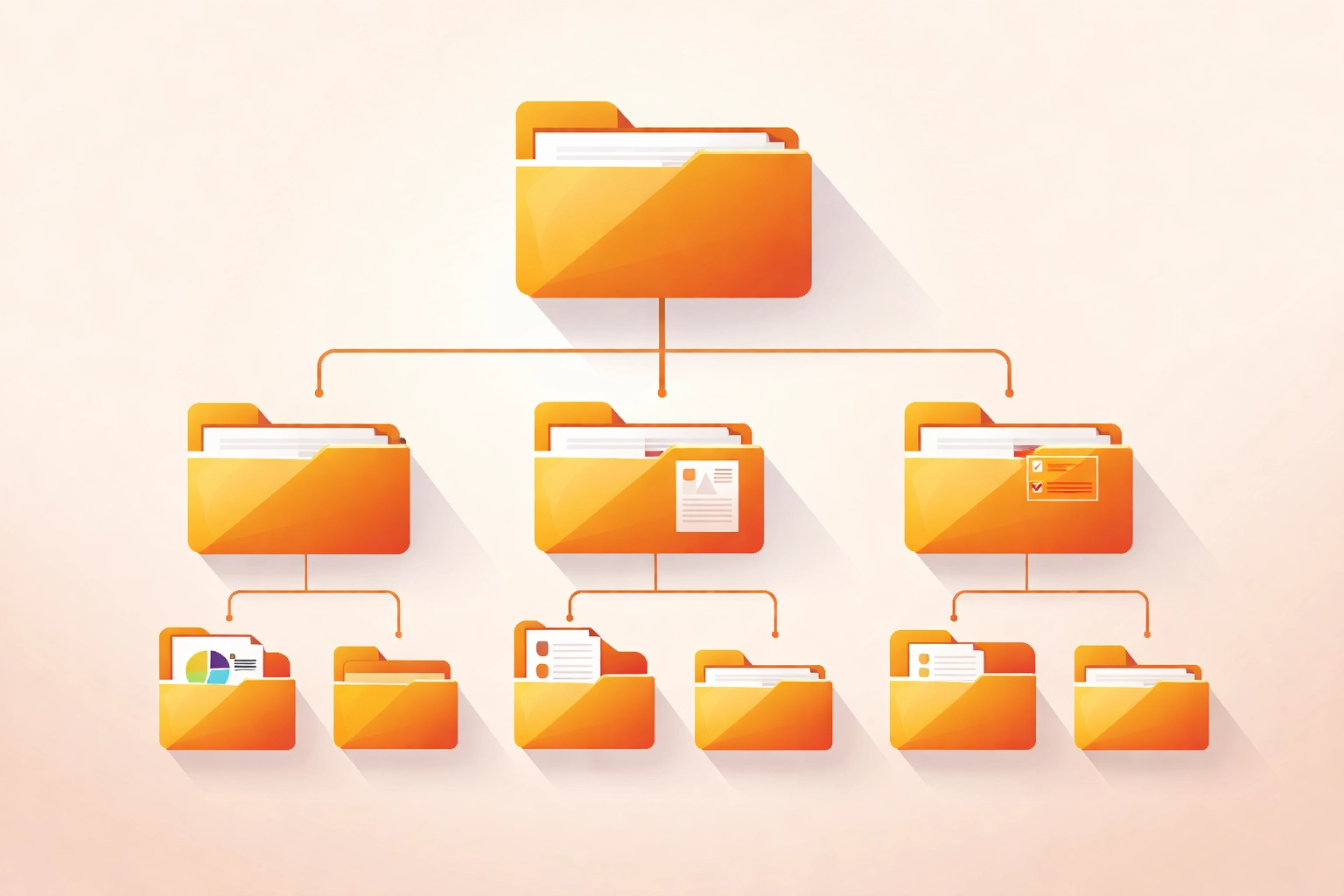
Create a standardized folder hierarchy for all branding projects. A typical structure might include top-level folders for each client, with subfolders for specific deliverables such as logos, print materials, and digital assets. Within each deliverable folder, maintain separate directories for working files, exports, and client-provided assets.
File naming should follow a systematic convention that communicates essential information at a glance. A format such as ProjectName_Deliverable_Version.extension (for example, AcmeBakery_Logo_v2.ai) allows quick identification without opening files. Include round numbers when tracking revision cycles to maintain clear version history.
Regular archiving practices prevent your working environment from becoming cluttered. Export completed work to external drives or cloud storage on a consistent schedule. This approach keeps your primary workspace responsive while ensuring easy retrieval of past projects when clients return for additional work.
Leveraging Templates and Automation
Templates represent one of the highest-impact efficiency tools available to designers working on small business branding. While every brand requires unique creative treatment, many deliverables share structural similarities. Business card layouts, social media post dimensions, and presentation formats can all begin from well-designed templates rather than blank documents.
Building a personal template library takes initial investment but yields compounding returns. Over a career, template usage can accumulate hundreds of hours in time savings. The key is creating templates that are flexible enough to accommodate varied creative directions while establishing baseline efficiency.
Automation extends this principle further. Modern design software offers extensive automation capabilities that many designers underutilize. Actions and scripts in Adobe Creative Cloud applications can batch process repetitive tasks such as image resizing, format conversion, and layer organization. Third-party plugins like VectorScribe streamline specific operations within illustration workflows.
For small businesses handling their own design work, platforms like Canva provide template-based systems that maintain brand consistency while simplifying execution. These tools work best when configured with proper brand assets and guidelines from the outset.
Project Management and Time Tracking
Effective project management separates professional design operations from chaotic creative scrambles. For small business branding work, where multiple projects often run simultaneously, clear systems for tracking progress, deadlines, and communications are essential.
Time tracking provides visibility into where hours actually go. Tools such as Toggl, Harvest, or Mite allow designers to monitor productivity, compare actual versus estimated project costs, and improve accuracy on future quotes. This data proves especially valuable for freelancers and small agencies establishing pricing structures.
Beyond tracking, establish clear milestones for branding projects. A typical sequence might include: discovery and briefing, initial concepts, refinement rounds, final delivery, and file handoff. Each milestone should have defined deliverables and feedback expectations. When clients understand the process, revision cycles become more focused and efficient.
Communication protocols also deserve attention. Designate specific channels for project updates versus general questions. Set expectations about response times and availability. These boundaries protect focused work time while maintaining client relationships.
Implementing Continuous Improvement
Workflow optimization is not a one-time project but an ongoing practice. After implementing changes, monitor performance metrics and gather feedback from all stakeholders. Track whether time-to-completion improves, whether error rates decrease, and whether client satisfaction increases.
Remain flexible as new technologies emerge and business needs evolve. The design software landscape continues shifting, with artificial intelligence tools, cloud collaboration features, and new export requirements appearing regularly. A rigid workflow that cannot adapt becomes a liability rather than an asset.
Schedule periodic workflow reviews, perhaps quarterly for active operations. During these reviews, revisit your process map, identify new bottlenecks, and evaluate whether implemented solutions continue serving your needs. This commitment to continuous improvement keeps your branding workflow competitive and efficient as demand grows.
Practical Application for Small Business Owners
Small business owners managing their own branding face unique workflow challenges. Without formal design training, the temptation is to approach each project ad hoc, learning tools and techniques as needed. This approach leads to inconsistent results and excessive time investment.
Instead, invest time upfront in establishing brand guidelines and asset libraries. Document your color palette with specific values, select primary and secondary typefaces, and create master files for your logo in all needed formats. Store these assets in an organized, accessible location.
When creating new materials, begin by consulting these guidelines rather than starting from memory. This simple habit dramatically improves brand consistency while reducing decision fatigue during execution. For ongoing support with logo design or business card production, working with professional designers who understand systematic workflows ensures your brand maintains coherence across all touchpoints.
Works Cited
American Institute of Graphic Arts. (2023). AIGA design business and ethics. AIGA. https://www.aiga.org/resources/design-business-and-ethics
Graver, A., & Jura, B. (2012). Best practices for graphic designers: Working with illustrations. Rockport Publishers.
Sherin, A. (2017). Introduction to graphic design: A guide to thinking, process, and style. Bloomsbury Visual Arts.
Lupton, E. (2010). Thinking with type: A critical guide for designers, writers, editors, and students (2nd ed.). Princeton Architectural Press.
Recent Comments