
Direct-to-garment printing offers unmatched versatility for custom apparel production, but the technology demands consistent maintenance to deliver quality results. Most DTG printer failures stem from preventable maintenance oversights rather than equipment defects. Understanding these common mistakes and their solutions will extend your printer's lifespan, reduce downtime, and maintain print quality across production runs.
Mistake 1: Neglecting White Ink Maintenance
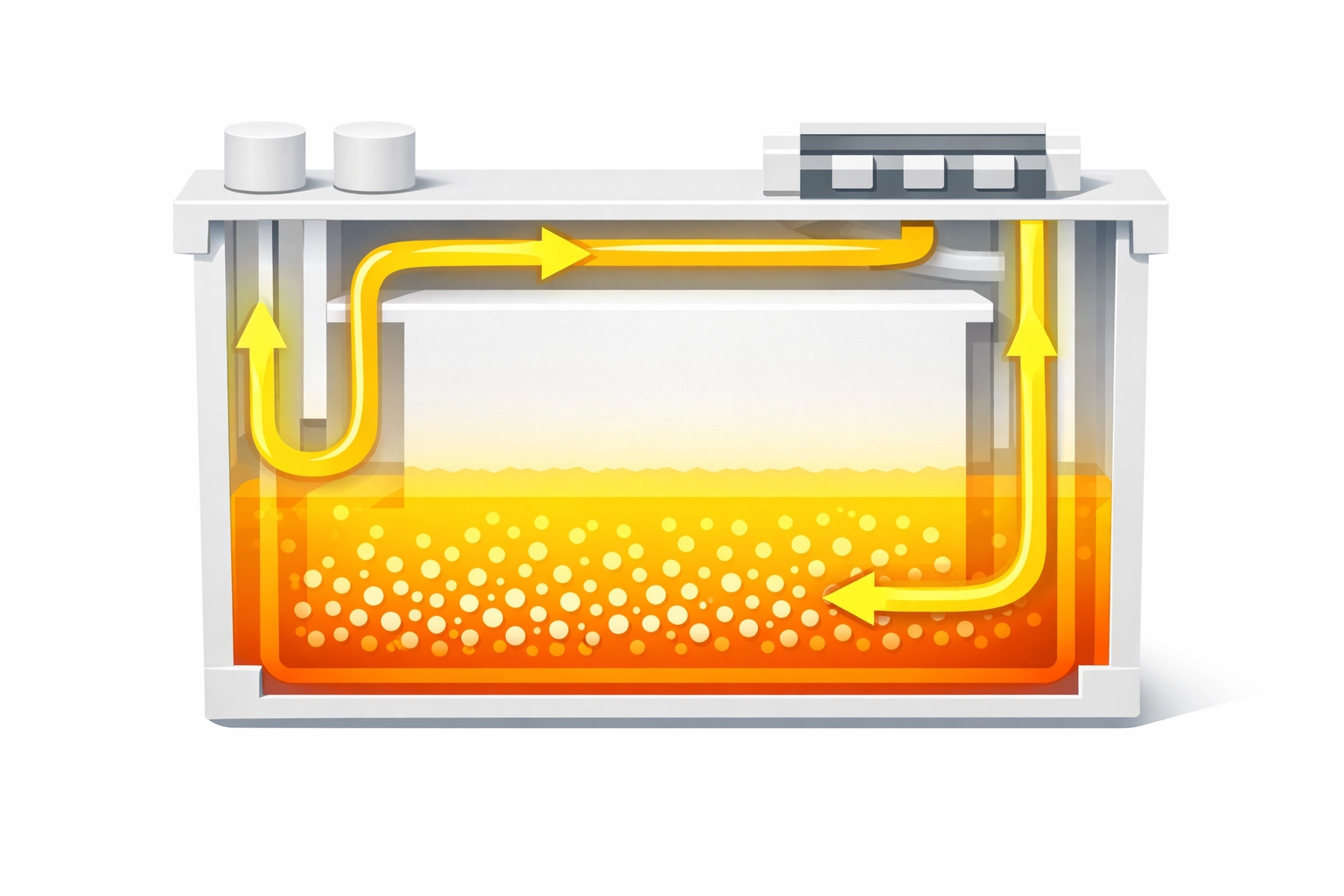
White ink presents unique challenges in DTG printing due to its high pigment concentration. The titanium dioxide particles in white ink settle rapidly when left stationary, creating dense sediment at the bottom of cartridges. This settling leads to inconsistent ink flow, nozzle clogs, and color variation across prints.
Many operators assume occasional agitation suffices. This approach fails because white ink pigments begin separating within hours of remaining still. The result appears as streaky whites, incomplete coverage on dark garments, or complete nozzle blockage requiring expensive service calls.
The Fix: Implement daily white ink cartridge agitation before starting production. Gently rock cartridges back and forth for 30 seconds to redistribute settled pigments evenly throughout the solution. Most modern DTG printers include automatic ink circulation systems that should run during startup and between long print sessions. Enable these features and verify they complete their cycles. Some operators set calendar reminders to manually agitate cartridges on weekends when printers sit idle.
Mistake 2: Skipping Daily Nozzle Checks
Print head nozzles represent the most critical component of your DTG system. Each nozzle must fire precisely timed ink droplets to create sharp, accurate images. A single clogged or misfiring nozzle creates visible defects across entire production runs. Yet many operators skip nozzle checks to save time, discovering problems only after ruining garments.
Running production without verifying nozzle condition wastes materials and labor. Spotting issues early through systematic checking prevents cascading problems that require extensive cleaning cycles or professional maintenance.
The Fix: Execute a nozzle check pattern before every printing session without exception. This test print displays individual nozzle firing patterns, revealing clogs, deflections, or missing nozzles before they affect customer orders. Review the pattern carefully, checking that all colors appear as solid, unbroken lines. Any gaps, streaks, or missing segments indicate maintenance requirements. Address issues immediately with cleaning cycles rather than attempting to print through problems.
Mistake 3: Under-Curing or Incorrectly Curing Prints
Curing determines print durability and wash resistance. Insufficient heat or time leaves ink incompletely bonded to fabric fibers, resulting in cracking, peeling, and rapid fade after laundering. Conversely, excessive heat damages garments and can cause discoloration.
The mistake often occurs when operators rush production, reduce cure times to increase throughput, or fail to calibrate heat press equipment. Temperature variations across the platen surface compound the problem, creating inconsistent curing within single garments.
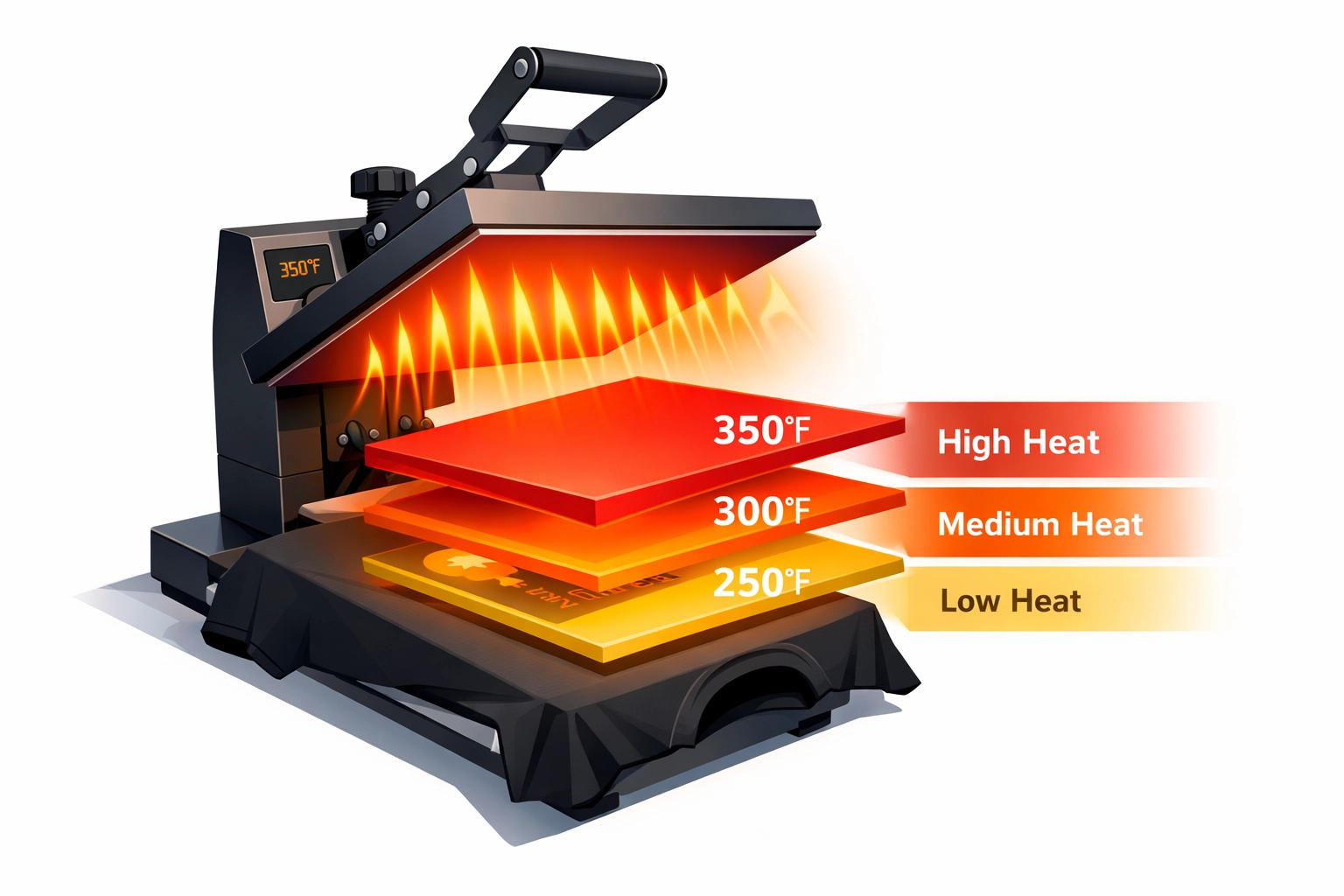
The Fix: Cure at 160°C (320°F) for 90 to 120 seconds using properly calibrated equipment. Verify your heat press maintains consistent temperature across the entire platen surface using temperature strips or infrared thermometers. Consider that garment thickness, fabric composition, and ink coverage affect required cure times. Test wash durability on sample prints before running production batches. Conveyor dryers offer more consistent results for high-volume operations but require proper belt speed and temperature zone configuration.

Mistake 4: Applying Pretreatment Improperly
Pretreatment solution creates the chemical bond between ink and fabric. Insufficient application produces weak adhesion and patchy coverage, while excessive pretreatment causes blotches, stiffness, and yellowing on light garments. Uneven distribution creates inconsistent results across the print area.
Manual spray application introduces significant variation between operators and garments. Even experienced technicians struggle to achieve consistent coverage without proper equipment and technique.
The Fix: Use calibrated pretreatment equipment to apply precise, measured amounts across the entire print area. Automated pretreatment machines deliver superior consistency compared to manual methods. Follow manufacturer specifications for pretreatment volume based on fabric weight and color. After application, cure the pretreatment completely using a heat press before loading garments into the printer. Incomplete drying causes moisture-related print defects and potential damage to print heads. Run test prints to verify proper pretreatment adhesion, adjusting quantities as needed for different garment types.
Mistake 5: Neglecting the Capping Station and Wiper Blade
The capping station seals print heads between printing sessions, preventing ink from drying in exposed nozzles. The wiper blade removes excess ink from the print head face during cleaning cycles. Both components accumulate dried ink residue that compromises their function over time.
Operators often overlook these maintenance areas because they're less visible than other printer components. However, contaminated capping stations fail to create proper seals, allowing air exposure that dries ink in nozzles. Dirty wiper blades smear debris across print heads rather than cleaning them.
The Fix: Clean the capping station weekly using lint-free swabs and manufacturer-approved cleaning solution. Remove all visible ink buildup from the rubber gasket and surrounding surfaces. Inspect the wiper blade for accumulated ink, replacing it when the rubber becomes stiff or damaged. During cleaning, verify the capping station raises and lowers smoothly without obstruction. Some printers require monthly deep cleaning where the capping station is removed entirely for thorough maintenance.
Mistake 6: Allowing the Printer to Sit Idle Without Maintenance
Extended printer inactivity allows ink to dry inside nozzles and ink lines, creating stubborn clogs that resist standard cleaning procedures. Recovery from severe clogs requires multiple aggressive cleaning cycles that consume expensive ink and potentially damage print heads.
This mistake typically occurs during slow business periods, holidays, or when operators assume the printer requires no attention when not actively producing. The assumption proves costly when bringing equipment back online.
The Fix: Maintain regular printer operation even during slow periods. Run test prints or cleaning cycles every 48 hours minimum when not actively producing. For planned downtime exceeding one week, consult your printer manual regarding storage procedures. Many manufacturers recommend flushing ink systems with storage solution to prevent drying. Never simply power down equipment and walk away for extended periods. Set calendar reminders to execute maintenance cycles during closures. The small time investment prevents expensive repairs and production delays.
Mistake 7: Using Wrong Garment Types or Over-Inking
DTG ink chemistry is optimized for 100% cotton fibers. Synthetic fabrics, cotton blends, and specialized textiles require different printing approaches or fail entirely. Polyester content can cause dye migration where sublimation dyes bleed into prints during curing. Yet operators attempt printing on unsuitable materials, then blame equipment when results disappoint.
Over-inking represents another common error. Excessive ink layers appear vibrant initially but crack and peel during normal wear and laundering. The ink film becomes too thick to flex naturally with fabric movement.
The Fix: Specify 100% cotton garments for standard DTG production. When printing on blends or specialty fabrics, research appropriate pretreatment formulations and adjusted print settings. Consult your RIP software documentation for recommended ink density settings by garment type. Resist the temptation to increase ink saturation beyond specifications. Proper color management through ICC profiles and accurate file preparation produces vibrant results without over-inking. Test wash samples to verify durability before committing to production runs.
Establishing a Maintenance Schedule
Systematic maintenance prevents most DTG printing problems. Create written procedures documenting daily, weekly, and monthly maintenance tasks. Daily routines include white ink agitation, nozzle checks, and basic cleaning. Weekly maintenance covers capping station cleaning and comprehensive equipment inspection. Monthly tasks involve deep cleaning, calibration verification, and parts inspection for wear.
Store your printer in a climate-controlled environment between 20-25°C (68-77°F) with relative humidity between 40-60%. Dust and temperature extremes accelerate component wear and affect print quality. Cover the printer when not in use to minimize dust exposure.
Maintaining detailed service logs helps identify recurring issues and demonstrates proper care for warranty claims. Record all maintenance activities, cleaning cycles performed, and any quality concerns. This documentation proves invaluable when troubleshooting persistent problems or training new operators.
DTG printer maintenance requires consistent attention and systematic execution. These seven mistakes account for the majority of preventable equipment problems and print quality issues. Implementing proper maintenance procedures protects your investment, reduces operating costs, and ensures reliable production capacity for your business.
Works Cited
"Common DTG Printing Mistakes and How to Avoid Them." Garment Printing Technology, 2024.
"DTG Printer Maintenance Best Practices." Screen Printing & Embroidery Magazine, 2025.
"Maintenance Requirements for Direct-to-Garment Printing Equipment." Impressions Magazine, 2024.
"Preventing White Ink Problems in DTG Printing." Digital Textile Printing News, 2025.
"The Complete Guide to DTG Pretreatment Application." Print Wear, 2024.
"Understanding Print Head Maintenance for Textile Printers." Specialty Graphic Imaging Association, 2025.
Recent Comments